

 央广网手机客户端
 个人所得税2026客户端
 抖音短视频app最新版
 钉钉手机版app
 抖音极速版app正版
 京东商城官方客户端
 阿里云盘app官方版
 携程旅行app手机版
 美团外卖app官方版
 手机百度app官方版







编辑点评:Material Components组件目录软件
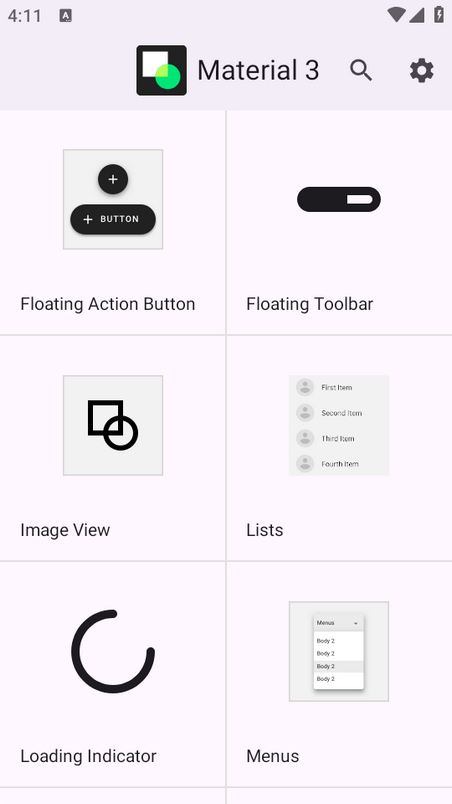
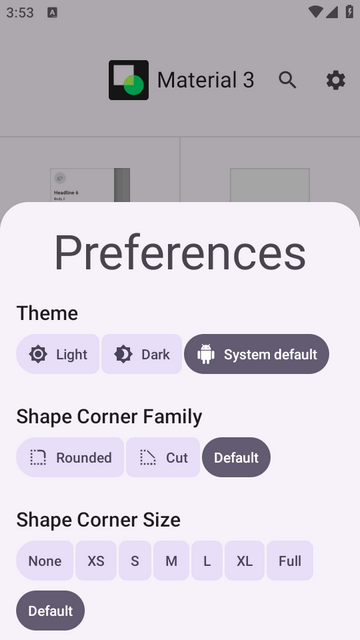
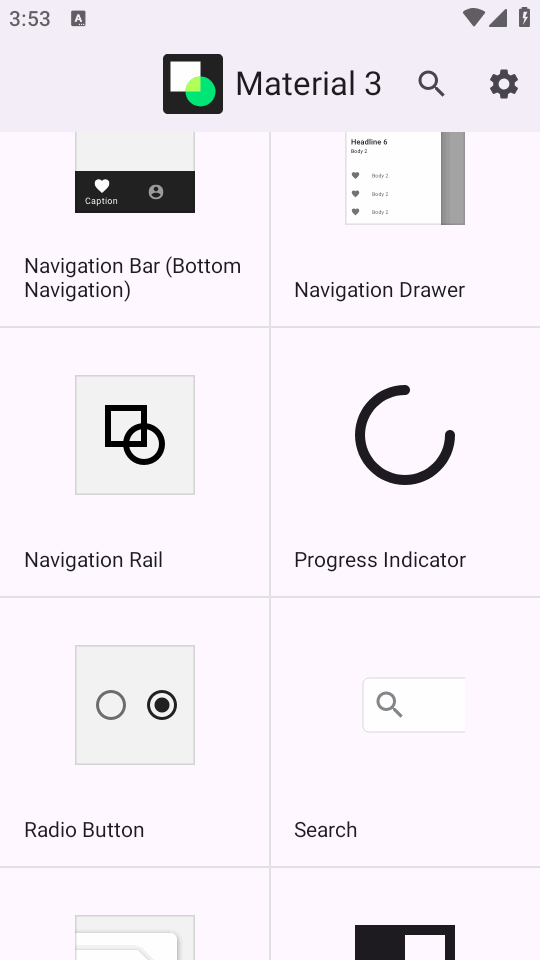
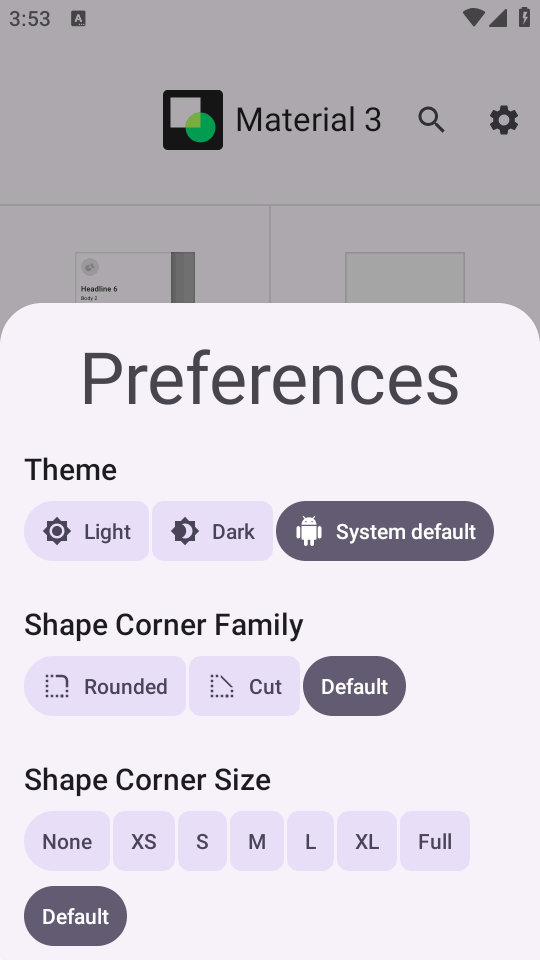
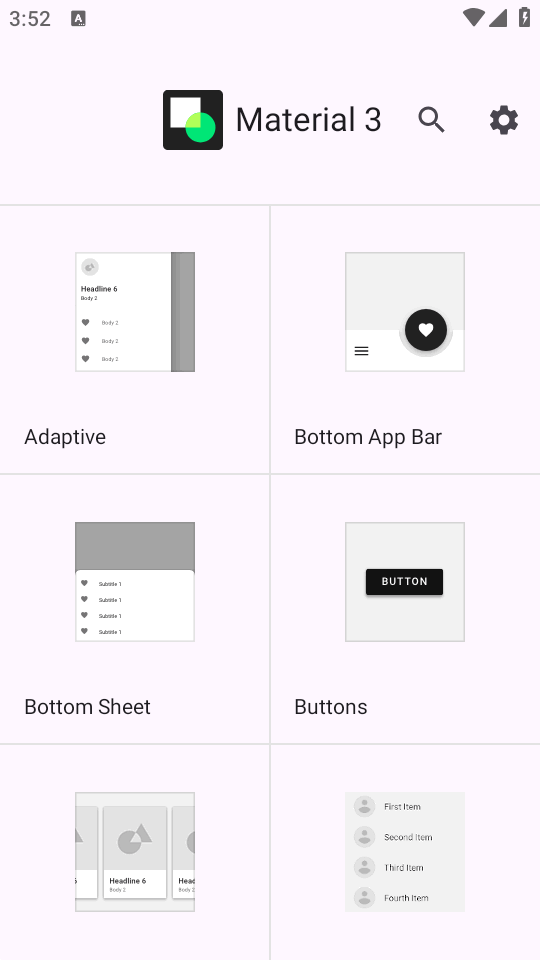
Android模块化且可自定义的材质设计UI组件,全称Material Components简称为MDC,M3 Catalog是可以轻松浏览查看目录效果的软件,支持搜索功能,可以根据自己的喜好来查看效果,主题风格,字体大小等,喜欢谷歌MDC风格的朋友,想要接入此组件的可以看看。
组件介绍
按钮 (MaterialButton)
<com.google.android.material.button.MaterialButton
android:layout_width="wrap_content"
android:layout_height="wrap_content"
android:text="@string/button_label"
app:icon="@drawable/ic_add_24dp"
app:iconGravity="textStart"
app:iconPadding="8dp"
style="@style/Widget.MaterialComponents.Button.OutlinedButton"/>
特性:
内置文本和图标按钮
多种样式:填充按钮、描边按钮、文本按钮
波纹效果自动支持
卡片 (MaterialCardView)
<com.google.android.material.card.MaterialCardView
android:layout_width="match_parent"
android:layout_height="wrap_content"
app:cardElevation="4dp"
app:strokeColor="@color/colorPrimary"
app:strokeWidth="1dp">
<!-- 卡片内容 -->
</com.google.android.material.card.MaterialCardView>
底部导航 (BottomNavigationView)
<com.google.android.material.bottomnavigation.BottomNavigationView
android:id="@+id/bottom_nav"
android:layout_width="match_parent"
android:layout_height="wrap_content"
app:menu="@menu/bottom_nav_menu"
app:labelVisibilityMode="labeled"
app:itemIconTint="@drawable/bottom_nav_color_selector"
app:itemTextColor="@drawable/bottom_nav_color_selector"/>
导航抽屉 (NavigationView)
<com.google.android.material.navigation.NavigationView
android:id="@+id/nav_view"
android:layout_width="wrap_content"
android:layout_height="match_parent"
android:layout_gravity="start"
app:headerLayout="@layout/nav_header"
app:menu="@menu/drawer_menu"
app:itemIconTint="@color/nav_item_icon_color"
app:itemTextColor="@color/nav_item_text_color"/>
文本字段 (TextInputLayout)
<com.google.android.material.textfield.TextInputLayout
android:layout_width="match_parent"
android:layout_height="wrap_content"
app:counterEnabled="true"
app:counterMaxLength="20"
app:helperText="请输入用户名"
app:errorEnabled="true"
style="@style/Widget.MaterialComponents.TextInputLayout.OutlinedBox">
<com.google.android.material.textfield.TextInputEditText
android:layout_width="match_parent"
android:layout_height="wrap_content"
android:hint="用户名"/>
</com.google.android.material.textfield.TextInputLayout>
复选框 (CheckBox) 和单选按钮 (RadioButton)
<com.google.android.material.checkbox.MaterialCheckBox
android:layout_width="wrap_content"
android:layout_height="wrap_content"
android:text="同意条款"
app:buttonTint="@color/checkbox_color_selector"/>
<com.google.android.material.radiobutton.MaterialRadioButton
android:layout_width="wrap_content"
android:layout_height="wrap_content"
android:text="选项A"
app:buttonTint="@color/radio_button_color_selector"/>
底部动作条 (BottomSheet)
val bottomSheet = MyBottomSheetFragment()
bottomSheet.show(supportFragmentManager, bottomSheet.tag)
滑动刷新 (SwipeRefreshLayout)
<androidx.swiperefreshlayout.widget.SwipeRefreshLayout
android:id="@+id/swipe_refresh"
android:layout_width="match_parent"
android:layout_height="match_parent"
app:layout_behavior="@string/appbar_scrolling_view_behavior">
<RecyclerView
android:id="@+id/recycler_view"
android:layout_width="match_parent"
android:layout_height="match_parent"/>
</androidx.swiperefreshlayout.widget.SwipeRefreshLayout>
M3 Catalog app特色
官方支持:由Google Material Design团队维护
设计一致性:确保应用符合最新Material Design规范
开发效率:减少自定义UI的工作量
持续更新:跟随Material Design的演进
M3 Catalog是什么
M3 Catalog全称Material Components(MDC)是Google官方推出的跨平台UI组件库,提供了Android、iOS、Web和Flutter等多个平台的实现。MDC-Android专门为Android开发者提供:
符合Material Design规范的预制UI组件
主题系统和颜色定制方案
现成的动效和交互模式
可访问性支持
为什么选择M3 Catalog组件
大幅减少UI开发时间
确保应用设计一致性
轻松实现复杂的交互和动效
内置支持可访问性和国际化
更新日志
1.14.0更新
更新为35。compileSdkVersion
更新为23。minSdkVersion
图书馆现已构建AGP 8.11.1和Gradle 8.13版本。
Catalog
将目录中的搜索视图全屏(9b413fc)
更新列表文档和演示,以更清楚地说明与列表滑动中增长元素对应的主要动作,适用于a11y(5cb1500))
修正演示中导航抽屉切换的初始内容描述(67bd159)
修复MultiSectionListDemoFragment以正确读取视图类型(4dba971)
在 FAB 上添加提示和展开/收缩按钮(dd70ef9)
CollapsingToolbarLayout
修复折叠时多行标题变化时跳转的问题(d227870)
Divider
M3E(81373b7)隐藏搜索视图分隔器)
FloatingActionButton
覆盖 setContentDescription 以设置 API 26+ (f1193e3) 上的工具提示文本)
Lists
更新标签样式的状态颜色,并更新演示,使 ListItemCardView 子节点能够复制并传递其父状态(845a0e3)
支持ListItemLayout中的开始/结束揭示重力(504300d))
MaterialButton
增加对备用图标的支持(fa56dd6 4bb9acd)
修正可勾选按钮的点击声(499350d))
MaterialDatePicker
在图标按钮上添加提示(1fd35bc)
SideSheet
当viewRef被废止后,只有runAfterLayout lambda(88717fc)才访问时,防止NullPointerException。)
TextInputLayout
聚焦辅助文本(85c910f)
TimePicker
修复分屏(71d88f5)中ClockFaceView裁剪的问题)
Tokens
将令牌版本更新为31.0.0 (57f3cdb)
TopAppBar
在 CollapsingTextHelper(58ad14e)中,使字母间距依赖于文本大小)
Other
将MDC库版本更新至1.14.0-alpha09(eeb036e)
更新翻译字符串(40d1be5)
更新字符串翻译 (00e5eda)
Update minSdkVersion to 23 (cd3f114)
 反应训练app最新版v1.0 安卓版
 鲲鹏无限WiFi最新版下载v2.0.2 安卓版
 XC大师魔方v1.3.0 官方版
 微数据恢复管家最新版appv1.9.0 安卓版
 手势搜索应用(Gesture Explode)v1.5 安卓手机版
 全策AI软件V1.0.1 官方正版
 小沙雕下载器v1.0 官方版
 龙虾管理助手V1.0 最新版
 小码软件库V1.70.00 最新版
 APKVision Store软件最新版下载v1.0.0 安卓版
 小清云手机v5.9.6.2 官方版
 OPPO视频官方appv40.9.9.0 安卓版
 BatteryRecorder安装包最新版v1.3.8 安卓版
 oppo天气预报最新正式版v16.38.2 安卓版
 王者自动点击器app免费版V1.3.1 中文版
 快斗端口V888 免费版
 卓大师验机助手(手机验机工具)v1.9.7 中文版
 去温控软件V1.0 免费版
 BubbleDialog气泡弹窗组件V1.2.6 最新版
 转换猫MP3转换器V2.1.1 安卓版
 32steps自定义音量步数v2.2.0 手机最新版
 大小: 5.4M















 AI智能助手软件
 OpenClaw小龙虾
 蓝奏云软件库分享合集
 免费测网速app合集
 找工作平台哪个靠谱
 光速虚拟机安卓正版
 迅雷app官方版
 虚拟大师VMOS Pro官方正版
 夸克网盘安卓版
 精品下载站app官方版
 vmos pro最新版2026免费版
 微思应用商店手表版apk安装包
 Google Play服务框架(Google Play services)
 猎豹清理大师国际版app
热门评论
最新评论